Twitch · Kick · Telegram · Push
From Twitch & Kick Live straight to Telegram on your phone
Whether you stream on Twitch or Kick – Telegram as a notification target delivers the go-live moment where push notifications get noticed: on the lock screen and in the app, not lost in a feed.
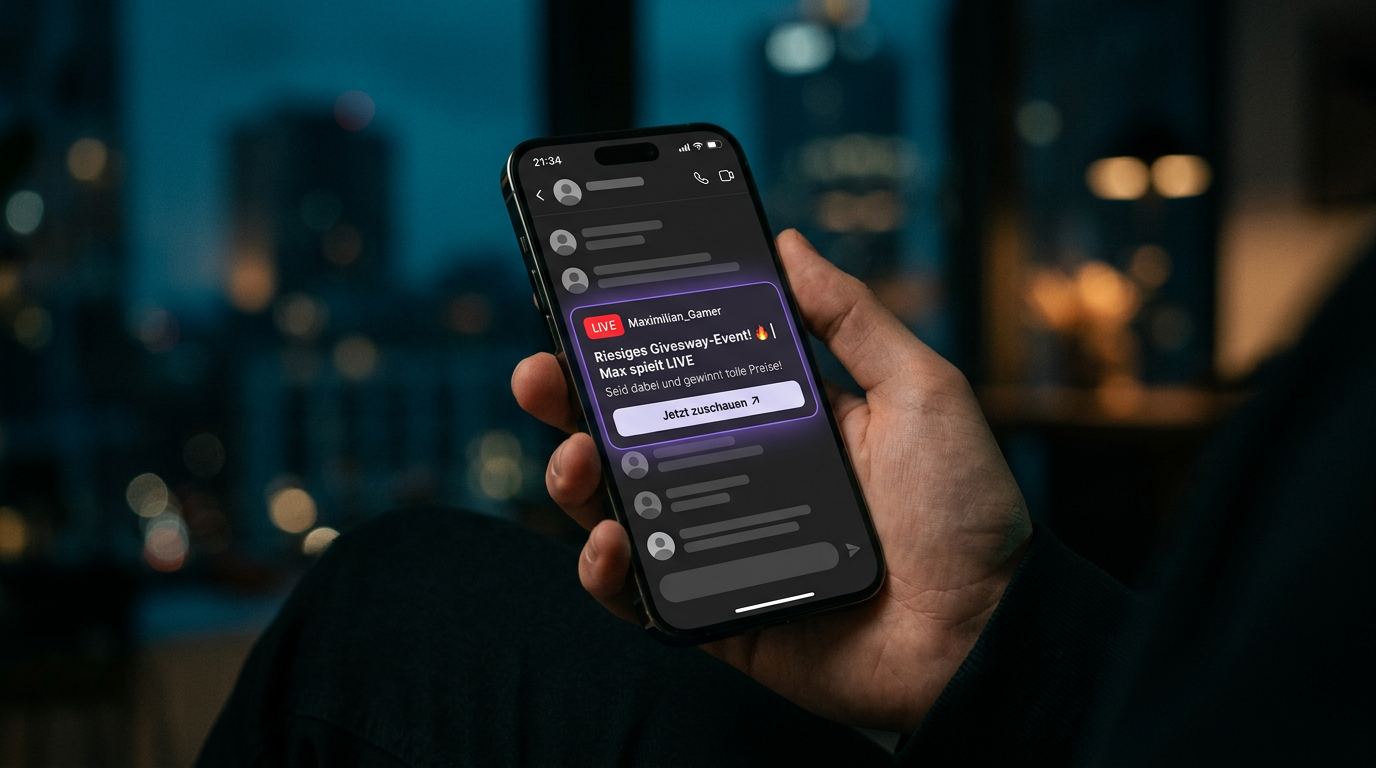
Telegram in the context of Streamboard
Telegram complements Discord server notifications and the same live signals from Twitch EventSub and Kick. Overview: Features · common questions: FAQ.
How Twitch or Kick live reaches the phone
Twitch fires via EventSub, Kick via channel polling – Streamboard orchestrates the message, Telegram delivers it as a push to viewers. Fast, readable, with your title and link.
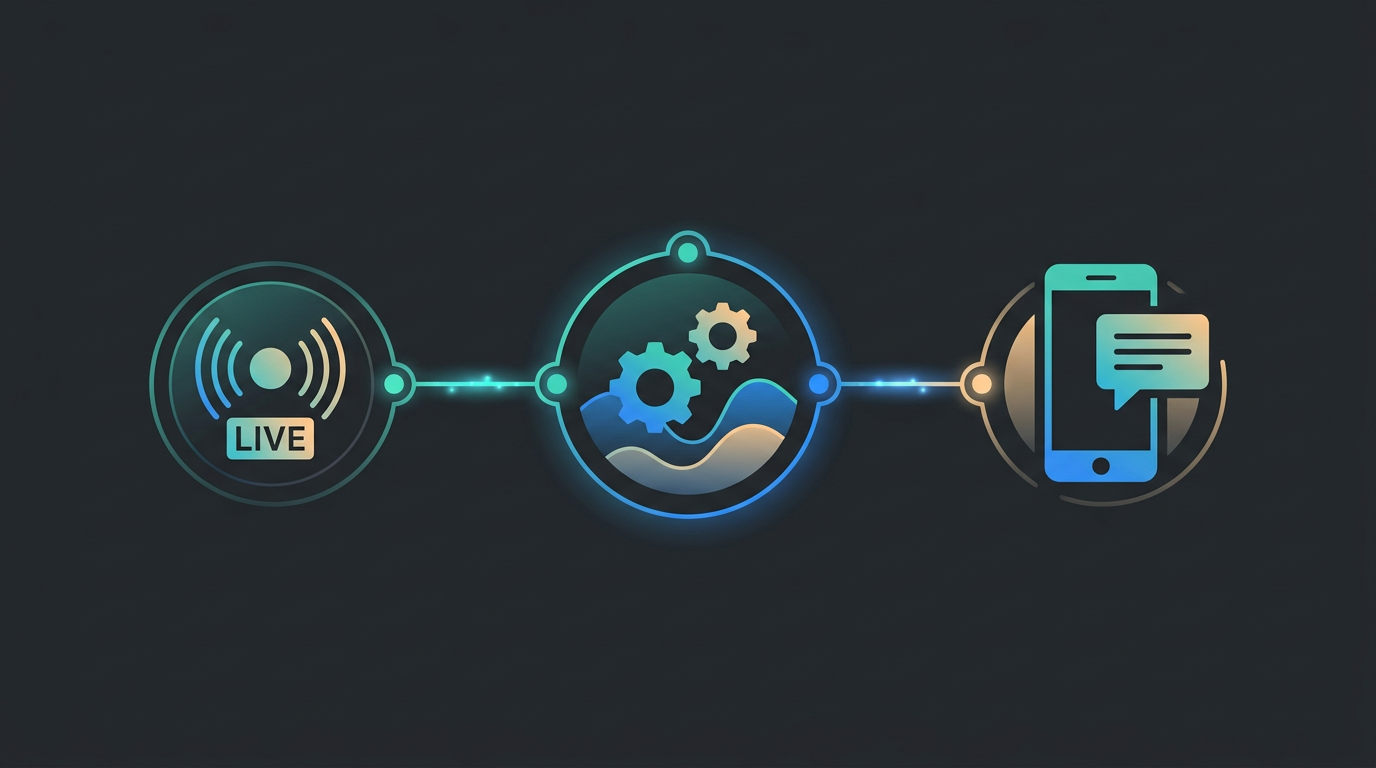
Twitch or Kick goes live
Twitch via EventSub webhooks, Kick via linked channel – your live start is detected within seconds.
Streamboard routes
Your board maps the signal to the notification target Telegram – including text, preview and tracking link.
Push on the phone
Followers receive the message directly on their smartphone – ideal for on-the-go and second screen.
Same targets for both platforms
Use the same Telegram target and templates for Twitch and Kick – one setup, multiple streaming platforms.
Twitch vs. Kick → Telegram
Both platforms share the same Telegram targets and templates – only the live detection method differs.
Twitch → Telegram
- Go-live via official EventSub webhooks
- Low-latency, event-driven signal
- Same Telegram target & templates
Kick → Telegram
- Channel linked via Kick OAuth
- Live status polling for reliable detection
- Same Telegram target & templates
Why Telegram works for your audience
Messengers are personal. A well-placed live notification feels less like advertising and more like "your creator is here" – whether you stream on Twitch or Kick.
For viewers
- Instant visibility on the lock screen
- One tap back to the stream or announcement
- Works alongside Discord & other channels
For you as a creator
- Additional notification target besides Discord
- Reach where communities already maintain groups
- Unified logic for Twitch, Kick and other targets
Add Telegram to your board
Connect Twitch or Kick, set up your Telegram target and test the first live push – we'll guide you in the dashboard and community.